How to Create a Music Video: Complete Beginner’s Guide
Music videos are more than just visuals—they bring your song to life. A great music video can boost your song’s reach, attract new listeners, and create a stronger emotional connection with your audience.
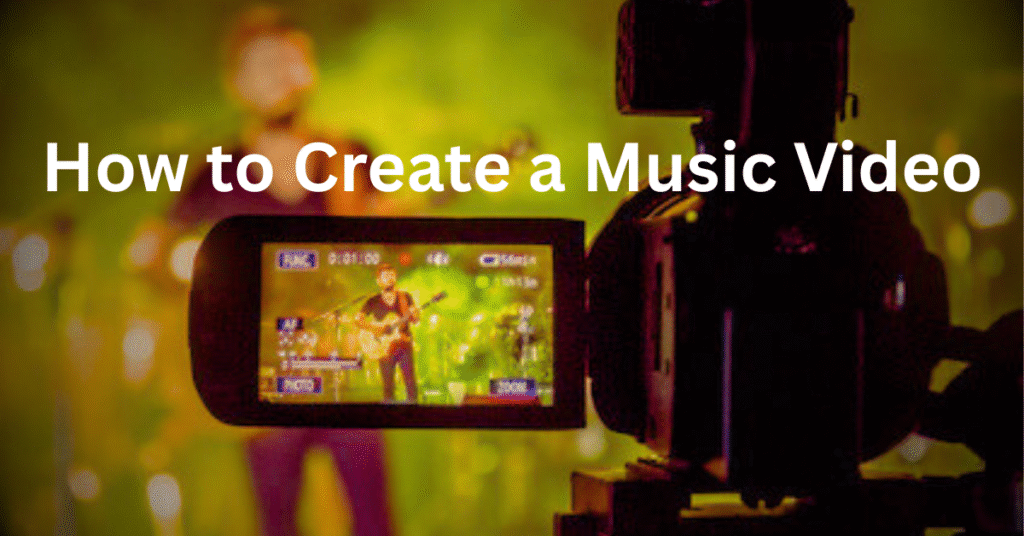
Whether you’re an independent artist or a beginner, this guide will walk you through step-by-step methods to create a professional-looking music video, even on a budget.
Step 1: Pre-Production (Planning Your Music Video)
Before you grab your camera, preparation is key.
-
Choose the Right Song – Select a track that has strong meaning and potential for visuals.
-
Define Your Concept – Decide if it’s a story-driven video, performance-based, or abstract.
-
Create a Storyboard – Sketch scenes or outline a shot list.
-
Scout Locations – Choose spots that fit your theme and budget.
Step 2: Production (Shooting the Video)
This is where your ideas come to life.
-
Camera Setup – Use a DSLR, a mirrorless, or even a high-quality smartphone.
-
Lighting Matters – Natural light works great, but LED lights give you more control.
-
Performance Shots – Capture multiple angles of the artist performing.
-
B-Roll Footage – Record extra visuals to make editing more dynamic.
Step 3: Post-Production (Editing Your Music Video)
Once the shoot is complete, editing ties everything together.
-
Sync Audio and Video – Match lip movements with the track.
-
Editing Software – Use tools like Adobe Premiere Pro, DaVinci Resolve, Final Cut, or CapCut.
-
Color Grading – Adjust tones and contrast to create a mood.
-
Add Effects & Transitions – Keep it creative but not overdone.
Step 4: Budget-Friendly Tips for Independent Artists
-
Use free or low-cost editing software like DaVinci Resolve.
-
Shoot in natural light to avoid renting expensive gear.
-
Ask friends to help with acting or camera work.
-
Reuse props and keep the concept simple.
Step 5: How to Promote Your Music Video
Creating is only half the journey—promotion makes it successful.
-
YouTube – Optimize title, description, and tags with keywords.
-
Instagram & TikTok – Share short clips, teasers, or behind-the-scenes.
-
Facebook & Twitter (X) – Engage with fans through posts and shares.
-
Collaborations – Partner with influencers or other artists for exposure.
Do you want to learn music production? You can see here Music Production Tips
Conclusion
Making a music video doesn’t have to be overwhelming or expensive. With the right planning, creativity, and smart promotion, you can create a professional-looking video that truly represents your music.
Start small, experiment with styles, and keep improving with every project.
FAQ: How to Create a Music Video
Q1: Can I make a music video with just a phone?
Yes! Modern smartphones have powerful cameras. With good lighting and editing, you can make professional videos.
Q2: What’s the cheapest way to create a music video?
Use free editing tools, natural lighting, and friends as crew. Keep the concept simple but creative.
Q3: How long should a music video be?
Usually, it should match your song’s length—between 2 to 5 minutes.
Q4: Which software is best for editing music videos?
Adobe Premiere Pro, Final Cut Pro, and DaVinci Resolve are top choices. Beginners can start with CapCut.
Q5: How do I promote my music video?
Upload on YouTube, share teasers on TikTok/Instagram, and use SEO-friendly titles and tags.

Hi, I’m Nikhil Farenjiya, a music producer and professional singer with 10 years of experience. I share my knowledge and passion for music through writing to help aspiring artists grow. My blog is dedicated to inspiring and guiding music lovers on their creative journey.