Create Digital Music: A Beginner’s Guide
Music has transformed completely in the digital age. Today, you don’t need a fancy studio to start making tracks. All you need is a computer, the right software, and a bit of creativity. If you’ve ever wondered how to create digital music, this guide will walk you through the essentials.
Step 1: Understand What Digital Music Is
Digital music is any sound or song created, edited, and produced using digital tools such as computers, software, and virtual instruments. Unlike traditional setups, you don’t need physical instruments for everything—technology makes it possible to create full songs digitally.
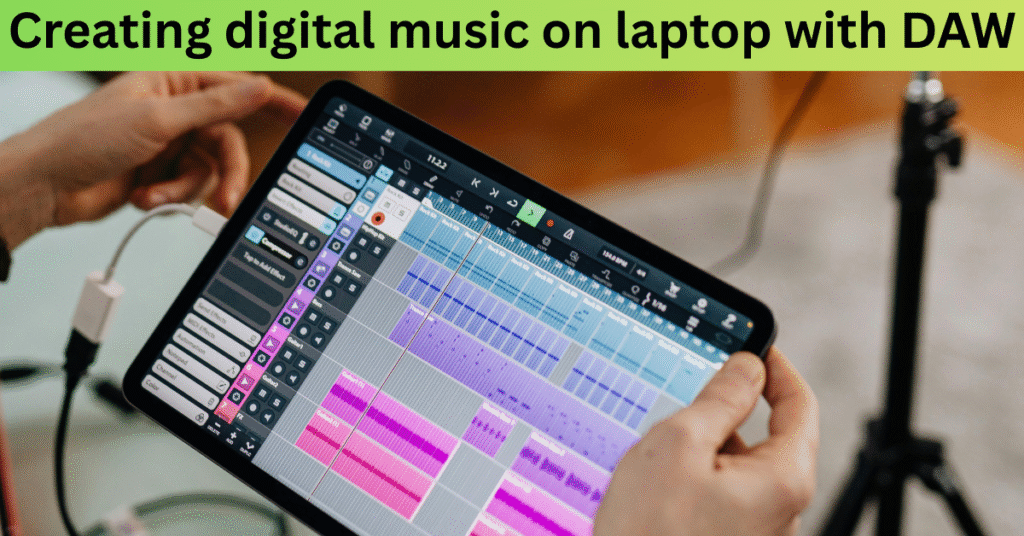
Step 2: Choose Your Digital Audio Workstation (DAW)
The DAW is the heart of digital music creation. Popular DAWs include:
FL Studio – beginner-friendly and popular among EDM producers
Ableton Live – great for live performances and electronic music
Logic Pro X – best for Mac users
GarageBand – simple and free for iOS/macOS
Pro Tools – industry standard for professionals
Pick one that matches your budget and workflow.
Step 3: Get Virtual Instruments and Plugins
Use VST plugins to simulate drums, guitars, pianos, or synths.
Free plugins like Spitfire LABS or Dexed can get you started.
Paid plugins (Serum, Omnisphere) expand your creative range.
Step 4: Learn Basic Music Theory
Even if you’re creating music digitally, knowing some basics helps:
Scales and chords
Rhythm patterns
Song structure (intro, verse, chorus, bridge, outro)
Don’t worry—there are beginner-friendly resources and courses online. – What is music theory?
Step 5: Record and Arrange Your Tracks
Start with a melody or beat.
Layer instruments (drums, bass, chords, melody).
Arrange them in a way that flows like a complete song.
Step 6: Mix and Master Your Music
Mixing balances all your sounds, while mastering makes the track sound professional.
Adjust volume levels
Add EQ, compression, and reverb
Export in MP3 or WAV format
Step 7: Share Your Digital Music
Once you’ve created your track:
Upload to Spotify, Apple Music, or SoundCloud
Share on YouTube or Instagram Reels
Collaborate with other artists online
Do you want to learn music production? You can see here Music Production Tips
FAQs
Q1: Can I create digital music without instruments?
A: Yes, with DAWs and virtual instruments, you can make full tracks digitally.
Q2: What is the easiest software for beginners?
A: FL Studio and GarageBand are the most beginner-friendly.
Q3: Do I need expensive plugins to start?
A: Not at all. Free plugins and built-in DAW sounds are enough for beginners.
Q4: How much does it cost to create digital music?
A: You can start for free with GarageBand or for under $100 with basic DAWs.
Q5: Can I sell digital music I create?
A: Yes, platforms like Bandcamp, DistroKid, and CD Baby help you sell and distribute globally.

Hi, I’m Nikhil Farenjiya, a music producer and professional singer with 10 years of experience. I share my knowledge and passion for music through writing to help aspiring artists grow. My blog is dedicated to inspiring and guiding music lovers on their creative journey.