FL Studio Download: How to Get Started Safely & Quickly
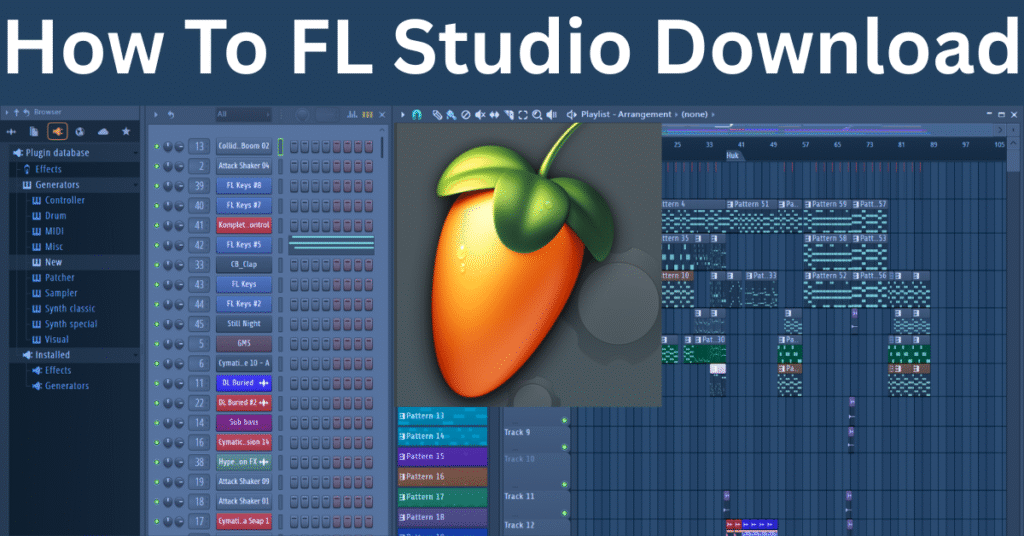
If you’re looking to start your music production journey, the first step is simple — download FL Studio. Whether you’re a beginner or a professional, FL Studio offers everything you need to create beats, mix tracks, and produce full songs. But downloading it from the right source is important.
Where to Download FL Studio
To avoid viruses, scams, or cracked versions, always download FL Studio from the official Image-Line website:
👉 https://www.image-line.com
It’s 100% safe, free to try, and available for both Windows and macOS.
Is the FL Studio Download Free?
Yes, Image-Line offers a free trial version of FL Studio. You can use almost all features — including the full playlist, piano roll, and plugins. However, there’s one limitation:
You can’t reopen saved projects unless you purchase a license.
This is perfect for testing the software before deciding which edition to buy.
System Requirements
Windows 8.1 / 10 / 11 (64-bit)
macOS 10.13 or later
At least 4GB RAM, but 8GB+ is recommended
Fast storage (SSD preferred)
Final Tips
Always use the official site for downloading
Avoid pirated versions — they may harm your PC and have no support
Start with the free version, then upgrade when you’re ready
you can learn more about fl studio- how to use fl studio.
Start creating your first beat today — FL Studio is just a download away! 🎶
If you want to be zero to hero, you can learn more about music production tips

Hi, I’m Nikhil Farenjiya, a music producer and professional singer with 10 years of experience. I share my knowledge and passion for music through writing to help aspiring artists grow. My blog is dedicated to inspiring and guiding music lovers on their creative journey.